1. Understand How Google Finds Content
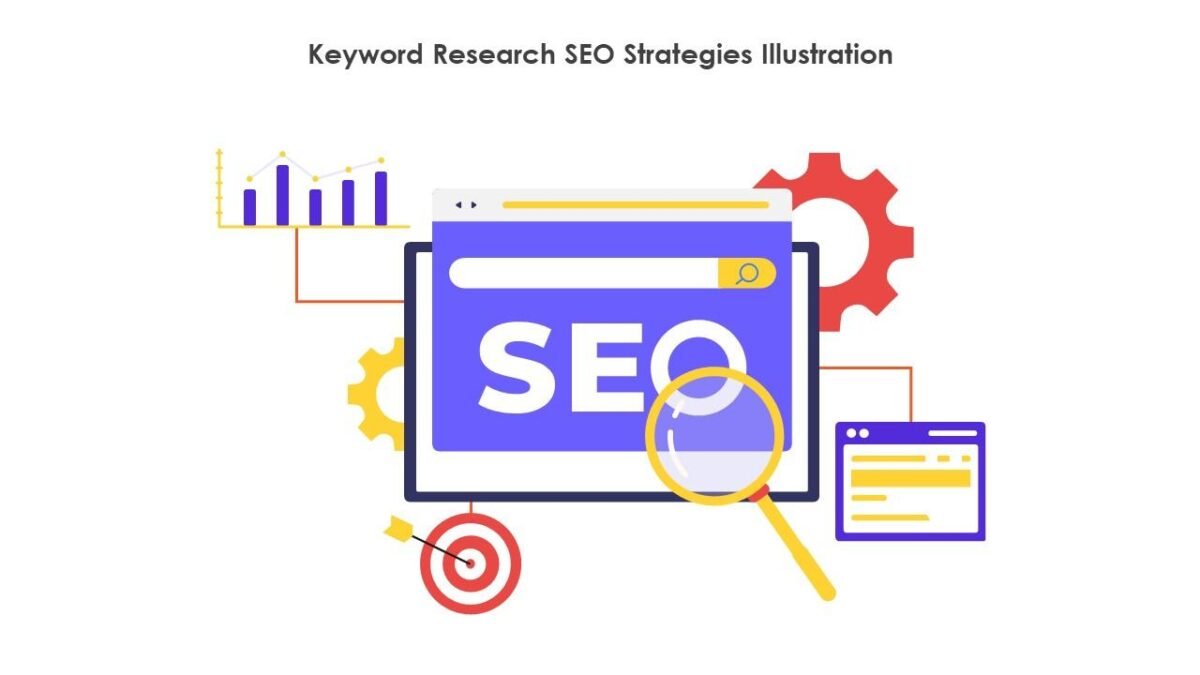
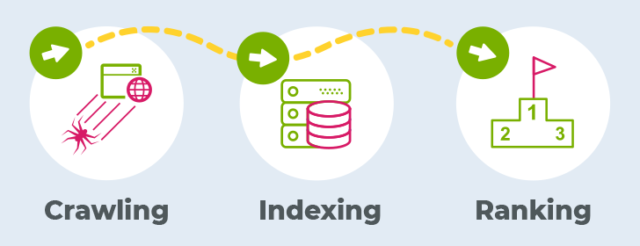
First, you need to know how Google works. Google uses small programs called crawlers to visit web pages. These crawlers follow links, read your content, and store it in a huge database called the index. When someone searches, Google picks the best pages from that index.
So, your goal is simple. Help Google find your page, understand it, and trust it. Each step below supports one of those three goals.
2. Start With Smart Keyword Research
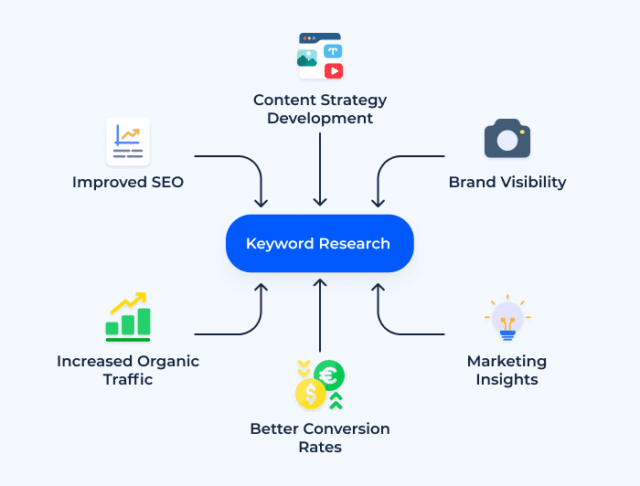
Before you write, find out what people actually search for. A keyword is the word or phrase someone types into Google. If you choose the right one, you meet readers exactly where they are.
Here is how to do it well:
- Use free tools like Google Keyword Planner, Google Trends, or Answer The Public.
- Look at Google’s “People also ask” box and the “Related searches” section.
- Choose long-tail keywords, such as “how to get articles indexed on Google” instead of just “SEO.”
Long-tail keywords have less competition. As a result, new websites can rank for them much faster.
3. Match Search Intent
Here is a secret many writers miss. Ranking is not only about keywords. It is about intent, which means the reason behind a search.
Some people want answers. Others want to buy something or compare options. Therefore, search your keyword on Google first and see what kind of pages appear. If the top results are step-by-step guides, write a step-by-step guide. When your article gives people what they came for, Google notices.
4. Write a Strong Title and Meta Description
Your title is your first impression. Keep it under 60 characters so Google shows it fully. Put your main keyword near the start, and make it interesting enough to click.
Likewise, your meta description should stay around 160 characters. It does not directly boost rankings, but a clear, helpful description gets more clicks. More clicks send a good signal about your page.
5. Create Helpful, Original Content
Google wants to reward content that truly helps people. This is why quality matters more than anything else.
To make your article stand out:
- Answer the reader’s question quickly, then add detail.
- Use simple words and short sentences.
- Add real examples, tips, or personal experience.
- Include fresh facts, not copied ideas.
Moreover, show that you know your topic. Google looks for experience, expertise, authority, and trust, often called E-E-A-T. Add an author bio, cite reliable sources, and keep your facts accurate.
6. Structure Your Article for Easy Reading
Readers leave when a page looks hard to read. Because of this, structure matters for both people and search engines.
- Use one H1 and clear
- H2 and H3 headings.
- Keep paragraphs to two or three lines.
- Use bullet points and numbered lists.
- Add images with short descriptive alt text.
In addition, include your main keyword naturally in the first 100 words. However, never stuff it everywhere. Write for humans first, and Google will follow.
7. Use Internal and External Links
Links are the roads of the internet. Crawlers use them to travel from page to page.
Internal links connect your own articles. They help Google discover new posts and understand how your topics relate. For example, link a new article from an older, popular one. Meanwhile, external links to trusted websites show that your content is well researched.
Also, try to earn backlinks, which are links from other sites to yours. You can do this through guest posts, helpful resources, and original data that others want to share.
8. Submit Your Content to Google
Do not just wait for Google to show up. Instead, give it a nudge.
- Set up a free Google Search Console account.
- Submit your XML sitemap, which lists all your pages.
- Use the URL Inspection tool, paste in your new article link, and click “Request Indexing.”
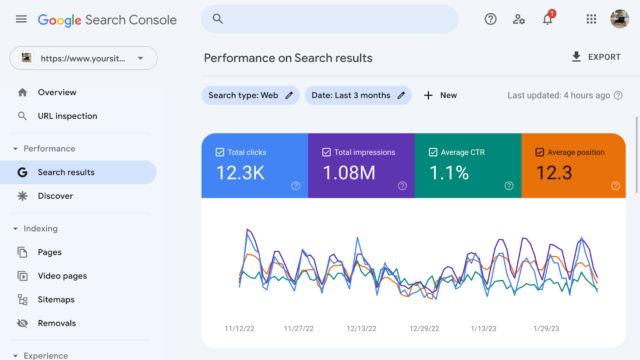
This simple routine can speed up discovery, often within days. Besides that, Search Console shows which queries bring visitors and whether any errors block your pages.
9. Make Your Site Fast and Mobile-Friendly
Most people search on their phones. So, if your page loads slowly or looks messy on mobile, visitors will leave quickly.
Fix this by:
- Compressing large images.
- Choosing a fast, reliable hosting provider.
- Using a responsive theme that fits every screen.
- Checking your speed with Google PageSpeed Insights.
Furthermore, make sure your site uses HTTPS. It protects visitors and is a small but real ranking signal.
10. Promote Your Articles Beyond Google
Here is a smart trick. Traffic from other places can help your article get noticed faster. Share each post on social media, send it to your email list, and post it in relevant online communities.
Although social shares are not a direct ranking factor, they bring readers and links. Over time, those readers and links help Google trust your site.
11. Update and Improve Old Content
Finally, do not forget your older posts. Google likes fresh, accurate information. Review your best articles every few months. Update outdated facts, add new sections, fix broken links, and improve your headings. Then update the published date.
This small effort can bring a page that has stalled back to life.
